
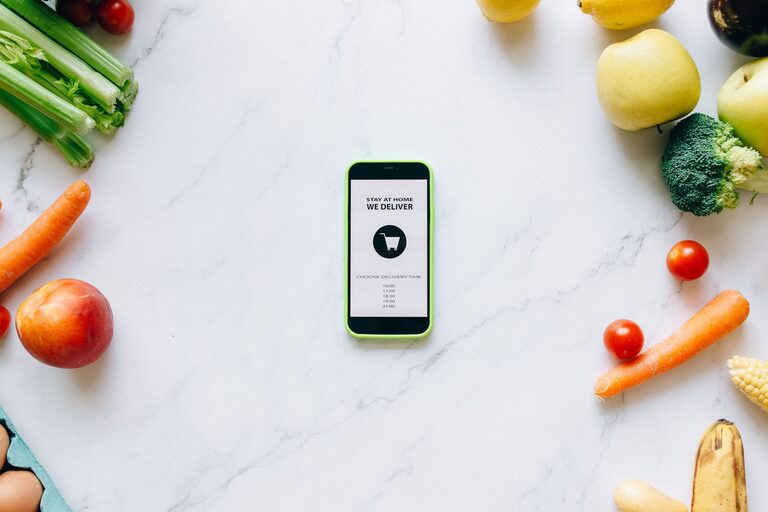
Grocery shopping is a regular task, but it does not have to take up more time than necessary. Technology can help you plan meals, organize your list, find products, and choose a shopping method that fits your schedule.
You do not need advanced tools or expensive devices to make a difference. A smartphone, a grocery store app, or a shared digital list may be enough to create a smoother routine. Here are several practical ways technology can make grocery shopping more convenient.
1. Create a Digital Grocery List
A digital grocery list is one of the simplest ways to improve your shopping routine. Instead of writing items on paper or trying to remember them, you can record everything in an app on your phone.
Many list apps let you:
– Add items as soon as you think of them
– Group products by category
– Check off items while shopping
– Reuse lists from previous trips
– Add notes such as size, brand, or quantity
Some apps automatically organize items into sections such as produce, dairy, pantry goods, and household supplies. This can help you move through the store more efficiently and avoid walking back to sections you have already visited.
2. Share Lists With Household Members
A shared grocery list can make shopping easier for families, roommates, and anyone who divides household tasks. Instead of sending several messages throughout the day, everyone can add items to the same list.
For example, one person can add breakfast items while another adds cleaning supplies. If someone buys an item, they can mark it as completed so others know it has already been handled.
Shared lists are especially helpful when:
– More than one person shops for the household
– You want to avoid duplicate purchases
– Household members have different schedules
– You need to update the list while someone is already in the store
Choose an app that updates quickly and works across the devices used by everyone in your household.
3. Use Store Apps to Plan Your Visit
Many grocery stores offer mobile apps with useful features. Depending on the store, you may be able to browse products, check store hours, view weekly promotions, build a list, and locate items.
A store app may also show whether a product is available at a particular location. Inventory information is not always perfect, but it can help you decide where to shop before leaving home.
Some apps include a digital store map or organize search results by aisle. This can reduce the time spent looking for less familiar products.
Before using a store app, check whether you can save your preferred store location. Selecting the correct location helps ensure that product information and availability are as accurate as possible.
4. Try Online Grocery Ordering
Online grocery ordering allows you to select products from a website or app instead of walking through every aisle. This can be useful when you have limited time, prefer to plan from home, or need to purchase many regular items.
Online ordering usually lets you:
– Search for products quickly
– Add items to a digital cart
– Review your order before submitting it
– Select a pickup time or delivery window
– Save favorite products for future orders
Keep in mind that product availability, substitutions, service fees, and pickup times can vary. Review the order carefully before completing it, especially when choosing sizes, quantities, and replacement preferences.
5. Choose Curbside Pickup
Curbside pickup combines the convenience of online ordering with the flexibility of getting groceries from a nearby store. After placing an order, you select a pickup window and collect the groceries without entering the store.
This option can be helpful when:
– You are shopping with young children
– You have a busy schedule
– You only need a few items
– You want to avoid spending extra time in the store
– You are purchasing bulky or heavy products
To make pickup easier, keep your confirmation details available on your phone. Check the store’s instructions for where to park and how to notify staff that you have arrived.
6. Use Delivery Services Thoughtfully
Grocery delivery can save a trip to the store and make it easier to receive large or heavy orders. It may be particularly convenient when you are working from home, managing a full schedule, or stocking up on household basics.
Before placing an order, review delivery areas, available time slots, fees, minimum order requirements, and substitution policies. Some services allow you to select acceptable replacements or request a refund if an item is unavailable.
To reduce surprises, look over the final cart before checkout. Confirm quantities, product sizes, and delivery instructions. If your building or neighborhood has special access requirements, include clear directions when available.
7. Plan Meals With Digital Tools
Meal-planning apps and online recipe tools can help you decide what to buy before you visit the store. Instead of choosing items at random, you can select several meals and turn their ingredients into a shopping list.
A useful meal-planning process is:
- Choose a few meals for the week.
- Check what you already have at home.
- Add only the missing ingredients to your list.
- Group the list by store section.
- Review the list before shopping.
Some tools combine ingredients across recipes, which can make it easier to identify shared items. For example, one package of herbs or a single bag of vegetables may work in more than one meal.
8. Scan Barcodes or Save Product Information
Barcode scanning features can help you add products to a list or quickly find a previous purchase. This is useful for household staples, personal care items, and packaged foods that you buy regularly.
Saving product information can also help you remember the exact size or variety you prefer. If you are replacing an item, take a photo of its label before discarding the empty package. The image can serve as a quick reference during your next shopping trip.
Some store apps also allow you to create a list by scanning products at home. This can make restocking more convenient when supplies run low.
9. Set Reminders for Regular Purchases
Phone reminders and calendar apps can help you remember recurring grocery tasks. You might set a weekly reminder to review the refrigerator, a monthly reminder for household supplies, or a prompt to place an online order.
Use reminders for items that are easy to overlook, such as:
– Pet supplies
– Cleaning products
– Paper goods
– Coffee and tea
– Pantry staples
– School or work snacks
A recurring reminder does not need to be complicated. A simple notification can help you build a consistent routine and prevent last-minute shopping trips.
10. Keep Digital Receipts Organized
Digital receipts can make it easier to track what you purchased and find order details later. Many stores email receipts or save them in their apps. Create a folder in your email for grocery receipts, or use your phone’s notes and document tools to store important information.
Digital receipts can help you:
– Check an order after delivery
– Confirm a pickup purchase
– Find product details
– Review a previous shopping trip
– Keep household records organized
Delete old receipts when you no longer need them, and review app permissions to make sure you are comfortable with the information being collected.
Make Technology Work for Your Routine
The best grocery technology is the kind that saves time without adding extra work. Start with one or two tools, such as a shared list and a store app. Once those become part of your routine, consider adding online ordering, meal planning, or delivery.
Technology cannot replace good planning, but it can make everyday tasks more organized and predictable. With the right combination of digital tools, you can spend less time searching, remember important items, and choose the shopping method that best fits your day.